Your Local AI Media Gallery
A beautiful, local-first gallery for all your AI-generated media. Keep it private on your machine, or share your favorites with the world.
KEY FEATURES

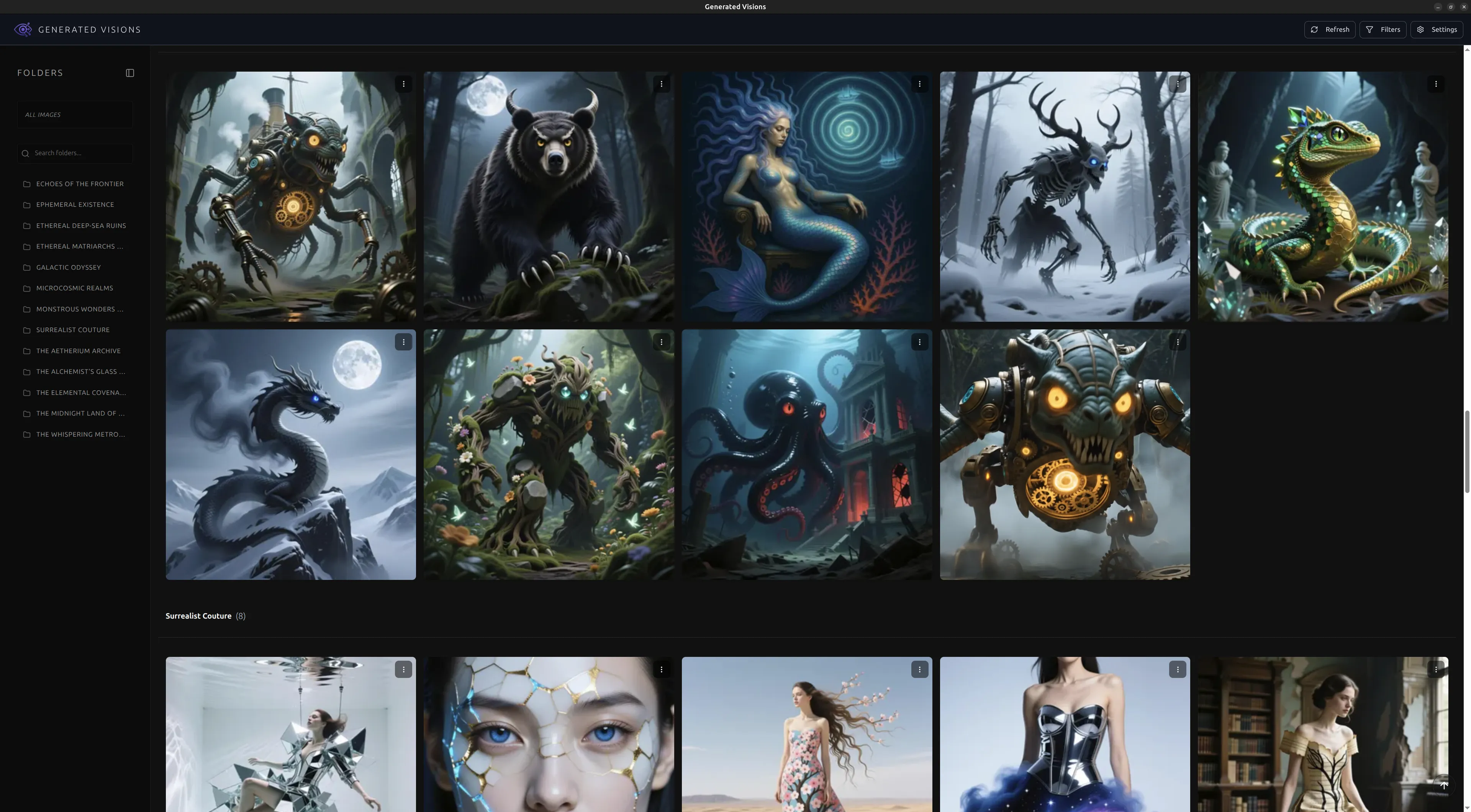
Beautiful & Immersive
Browse your media in a clean, modern interface. View images and videos in distraction-free fullscreen mode.

Seamless Organization
Your existing folder structure is your gallery. Media is automatically grouped by folders, just like on your file system.

Local First & Private
Your media and metadata never leave your machine by default. You are always in control of your data.

Public Sharing Option
Want to share? Sign up to create unique public links for your favorite generations. Only what you choose is uploaded.

Powerful Filtering
Star favorites, hide unwanted generations, and filter your view to see exactly what you want.

AI Metadata
Keep track of prompts, models, and LoRAs used for each piece of media.

Cross-Platform
A single, installable application for Windows, macOS, and Linux.
GET STARTED
Download the latest release for your operating system.
- Download the .deb package:
- Install the package:
Open your terminal and navigate to the directory where you downloaded the .deb file. Then, run the following command:
sudo apt install ./generated-visions_0.2.3_amd64.deb - Launch the application:
You can usually find "Generated Visions" in your applications menu, or launch it from the terminal:
generated-visions